Features
What You Can Build with Clayground
Clayground is a modular toolkit — pick the capabilities you need and compose them into your game. Each section below shows what’s possible and how the code looks.
Development with Dojo
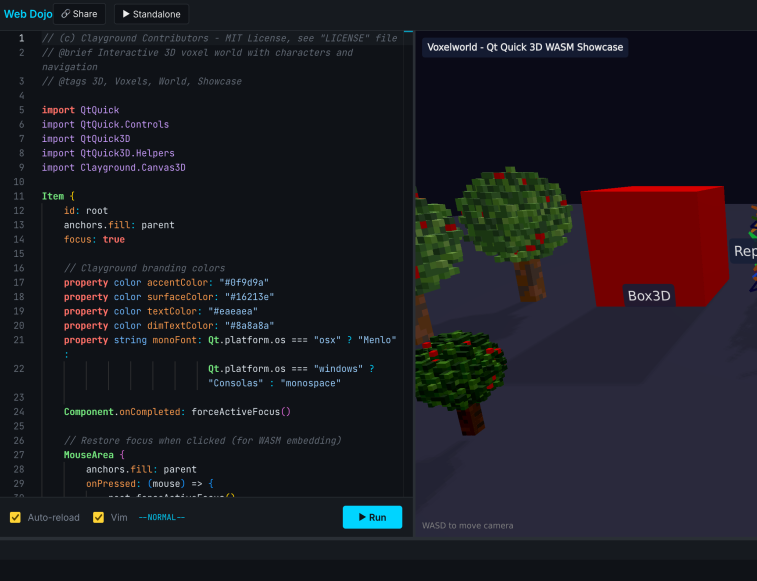
Dojo is the Clayground development environment — available as a desktop app with deep OS integration and as the browser-based Web Dojo for zero-install prototyping.
Desktop Dojo
- Hot reload — Save a file, see the change instantly
- Multiple sandboxes — Switch between test scenarios with
Ctrl+1–5 - Logging overlay — Inspect property values live with
Ctrl+L - C++ plugin reloading — Even compiled plugins reload when rebuilt
claydojo --sbx game.qml --sbx test.qml --sbx debug.qml
Web Dojo
- Zero-install prototyping — Open the Web Dojo, pick an example, start editing
- Load your own code — Serve QML locally and pass the URL as
clay-src - Load from GitHub — Point directly at a raw GitHub URL to run any public QML file
- Share instantly — Generate a link with your code baked in
https://clayground.mistergc.dev/webdojo/#clay-src=https://raw.githubusercontent.com/user/repo/main/Main.qml
Dojo documentation → · Web Dojo guide →
2D Game Development
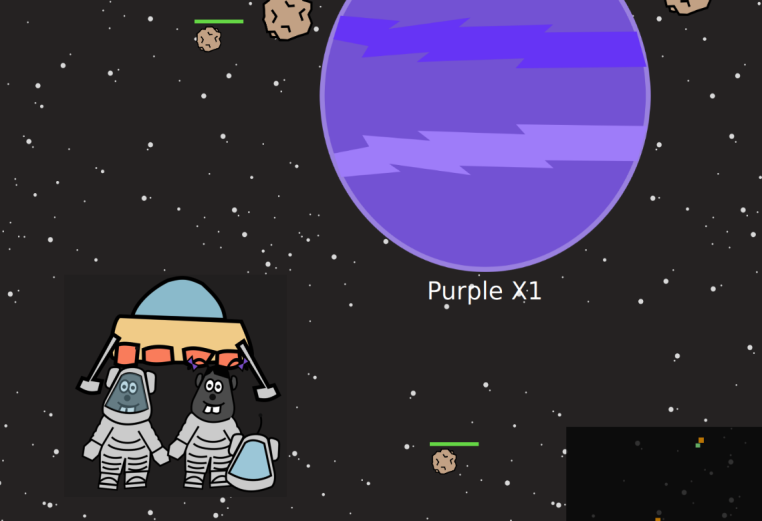
A world coordinate system with camera tracking, Box2D physics, and SVG-based level loading. Draw your levels in Inkscape, load them as game worlds.
ClayWorld2d {
    anchors.fill: parent
    gravity: Qt.point(0, 10)
    observedItem: player

    RectBoxBody {
        id: player
        xWu: 10; yWu: 10
        widthWu: 2; heightWu: 2
        color: "blue"
        bodyType: Body.Dynamic
    }
}
Camera following, collision detection, and physics simulation — all declarative.
3D Worlds and Voxels
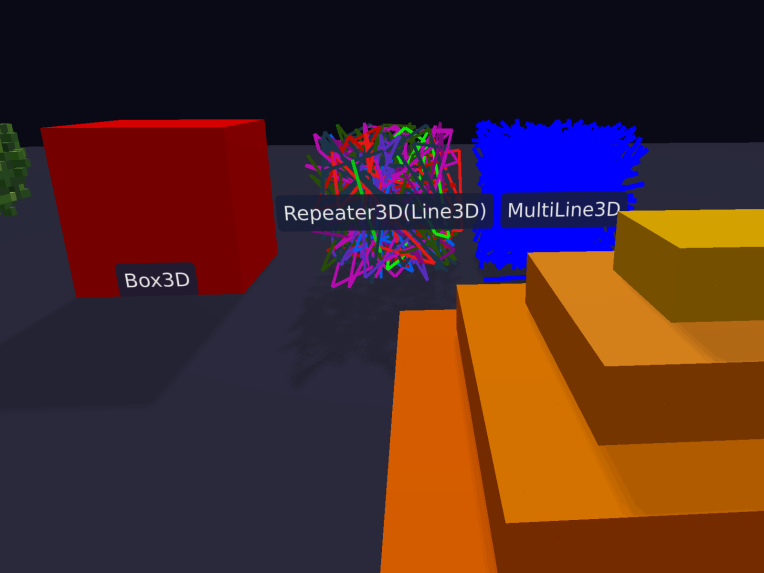
3D primitives with toon shading, edge rendering, and voxel maps. Build low-poly 3D scenes with the same declarative approach.
View3D {
    anchors.fill: parent

    Box3D {
        width: 100; height: 100; depth: 100
        color: "red"
        useToonShading: true
    }

    VoxelMap {
        id: terrain
        cellSize: 10
        dynamicMode: true
    }
}
Greedy meshing optimizes voxel rendering automatically. Toon shading and edge lines give a distinctive look.
SVG-Based Level Design
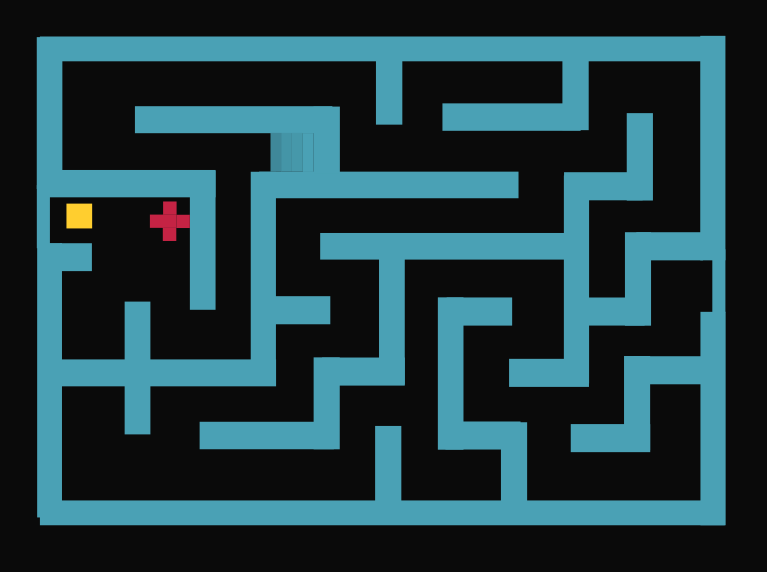
Design your levels in Inkscape (or any SVG editor), then load them directly as game worlds. Named rectangles in the SVG become game entities with properties.
ClayWorld2d {
    scene: "levels/level1.svg"

    components: new Map([
        ["Wall",   wallComponent],
        ["Enemy",  enemyComponent],
        ["Coin",   coinComponent]
    ])
}
Each named rectangle in the SVG spawns the matching component at that position and size. Change the SVG, reload, and the level updates.
Input and Controls
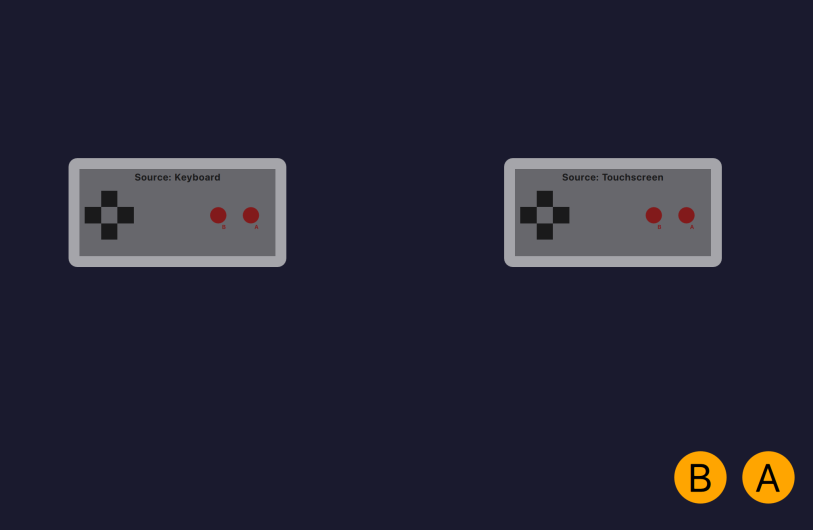
A unified input system inspired by NES-style simplicity. One API covers keyboard, physical gamepads, and on-screen touch controls — with debug visualization built in.
GameController {
    id: ctrl
    Component.onCompleted: {
        selectKeyboard()
    }
}

// Use anywhere
if (ctrl.axisX > 0) player.moveRight()
if (ctrl.buttonB)   player.jump()
Switch between keyboard, gamepad, and touchscreen without changing game logic.
Multiplayer Networking
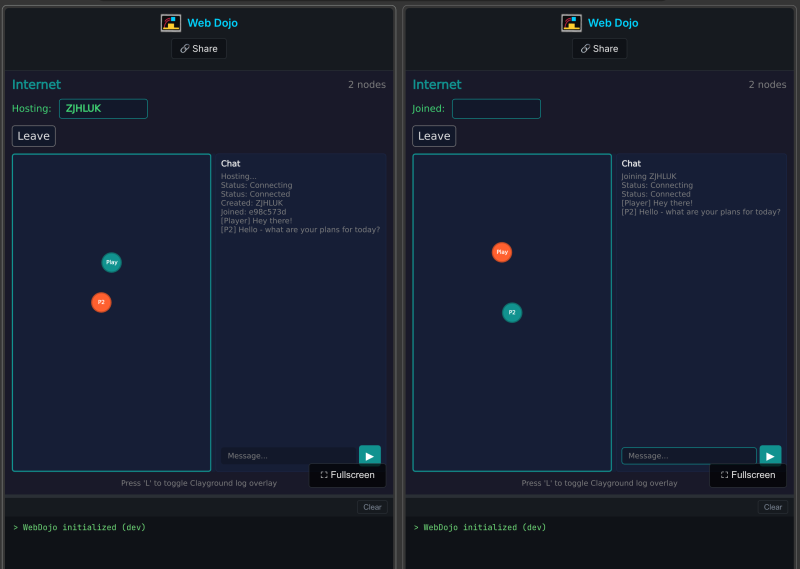
Peer-to-peer networking with automatic discovery on local networks. Join a group, send messages — no server setup required. Also includes an HTTP client for web APIs.
ClayPeer {
    id: peer
    groupId: "my-game"
    onMessageReceived: (msg) => {
        handleGameState(msg)
    }

    function broadcast(data) {
        sendToAll(JSON.stringify(data))
    }
}
On-Device AI
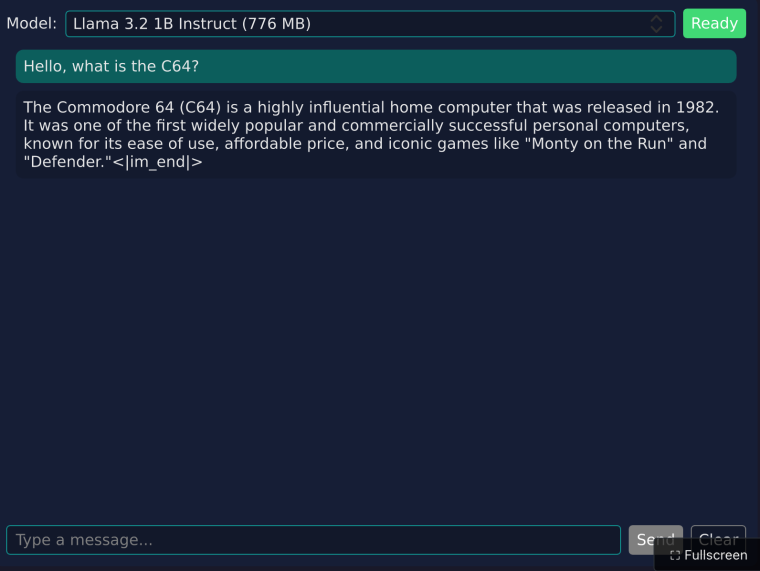
Run LLM inference directly on the user’s device — no cloud API needed. Streaming text generation with automatic model management, built on llama.cpp.
ClayLLM {
    id: llm
    onResponseChanged: {
        npcDialog.text = response
    }
}

// Generate NPC dialog
llm.generate("You are a village elder. Greet the player.")