Clay Labs
A lab is a small world you can stand inside and push on. Turn a knob and watch what it costs. Break something on purpose and see which number moves first. Labs are Clayground pointed at learning and research instead of games: same engine, same live-reloading loop, a different reason to open it.
Every lab here runs a real model underneath — a circuit solver obeying Kirchhoff’s laws, a Kalman filter fusing three imperfect sensors, a traffic simulation on a road graph you drew yourself. The visuals are simplified on purpose. The physics is not, and where a lab does simplify, it says so in writing.
What makes something a lab
Three properties, and a lab is not finished until it has all three.
It is deterministic. Same seed, same steps, same numbers — every time, on every machine. That is what lets a lab be verified rather than demonstrated, lets a guided tour replay an exact moment, and makes a measurement worth quoting. Every lab derives all randomness from one seeded clock.
It teaches, not just displays. A lab ships prepared situations, each with a note about what is worth noticing, and where useful a guided tour that builds an experiment step by step, hands you the controls at the right moment, and then explains the number you just produced.
It comes with a paper and a board. The lab is for immersion; the paper carries the model, its equations, its stated simplifications and its measured results; the board is the concept map. Writing the paper is what forces the numbers to be right, so it is part of the work rather than documentation after the fact.
What those two look like depends on what the lab is for. A lab built for learning gets a study path and a concept map that grows as the understanding does. One built for teaching gets a lesson plan and a storyboard of reveals, with the guided tour as the main artifact. One built for research gets a lab report — hypothesis, method, results with seeds and uncertainty, limitations — and a diagram of the model itself. Not the same files either way: a paper is owed by every purpose, a board by a lab built for learning or teaching, and a research lab owes a study with its records instead.
The labs
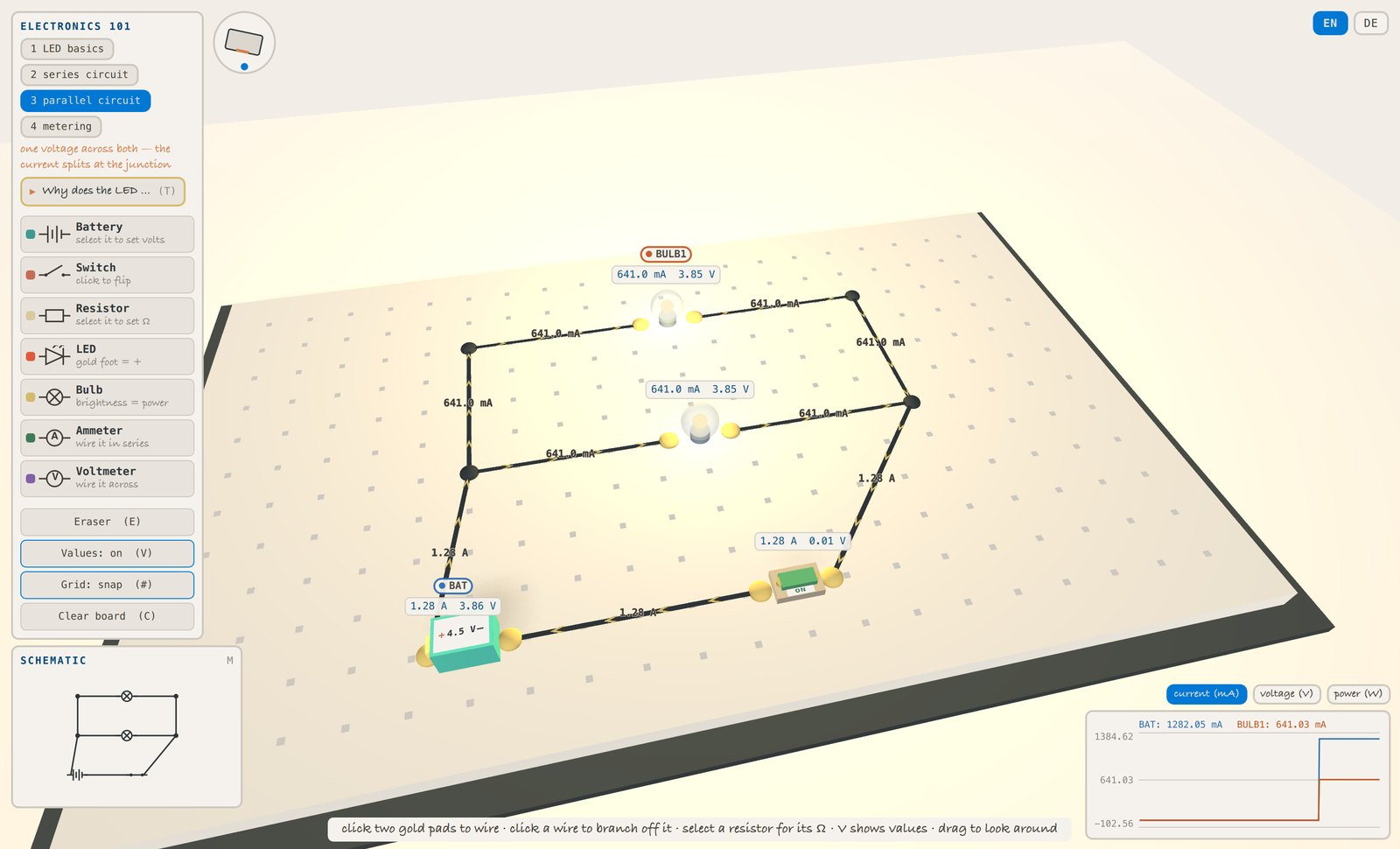
Electronics 101
a school kit that obeys Kirchhoff
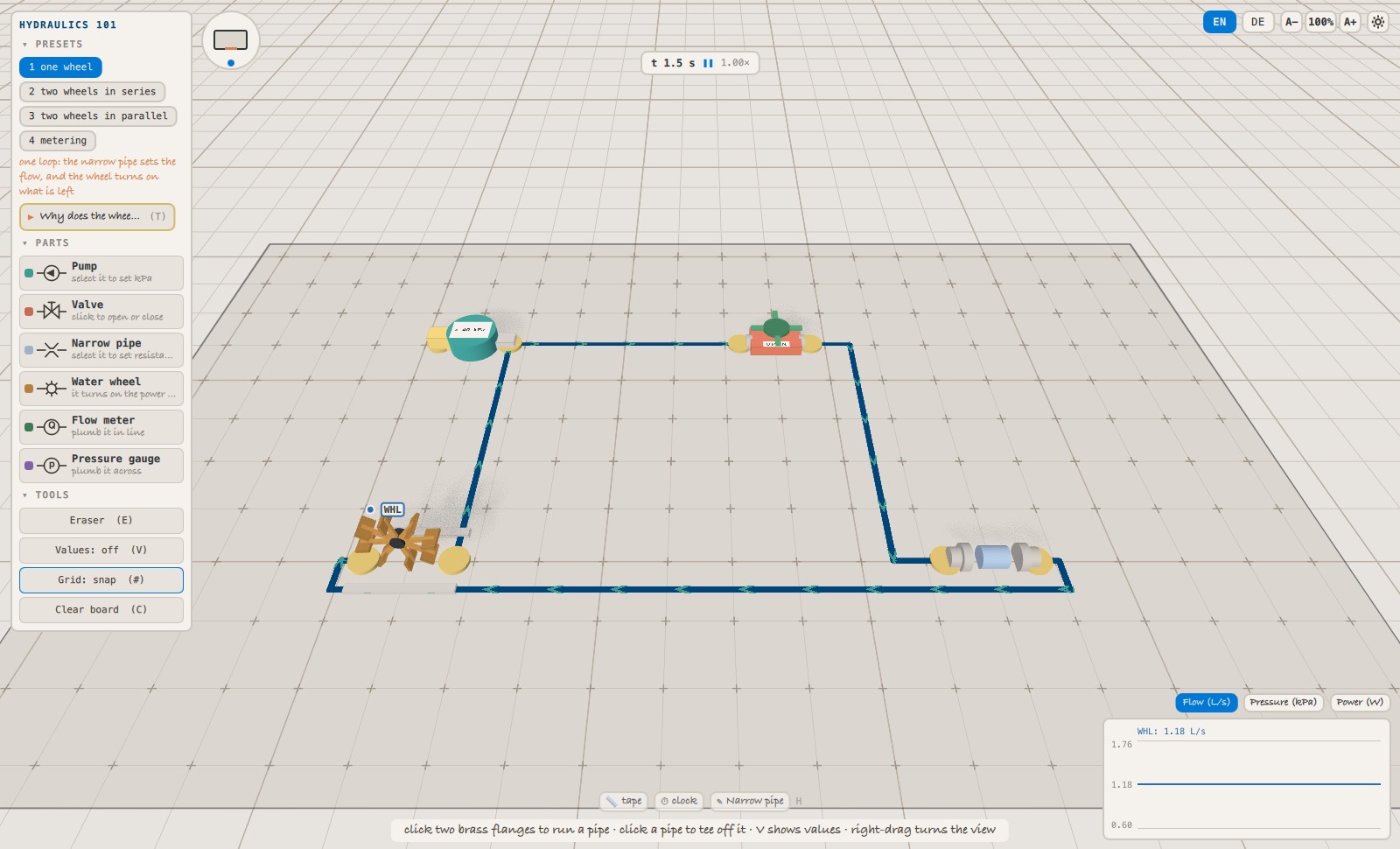
Hydraulics 101
the electricity lesson, told in water
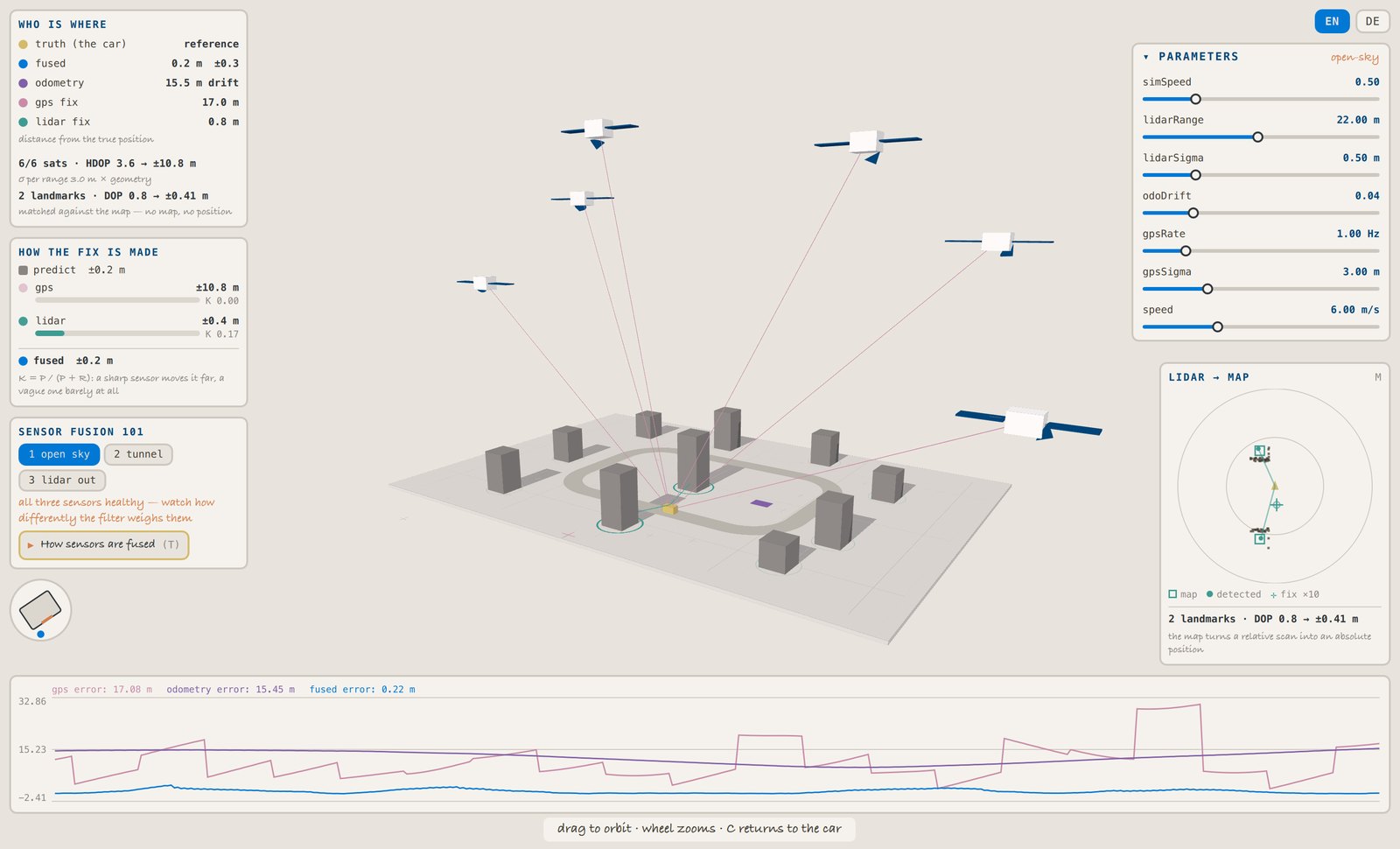
Sensor Fusion 101
why a car trusts three liars
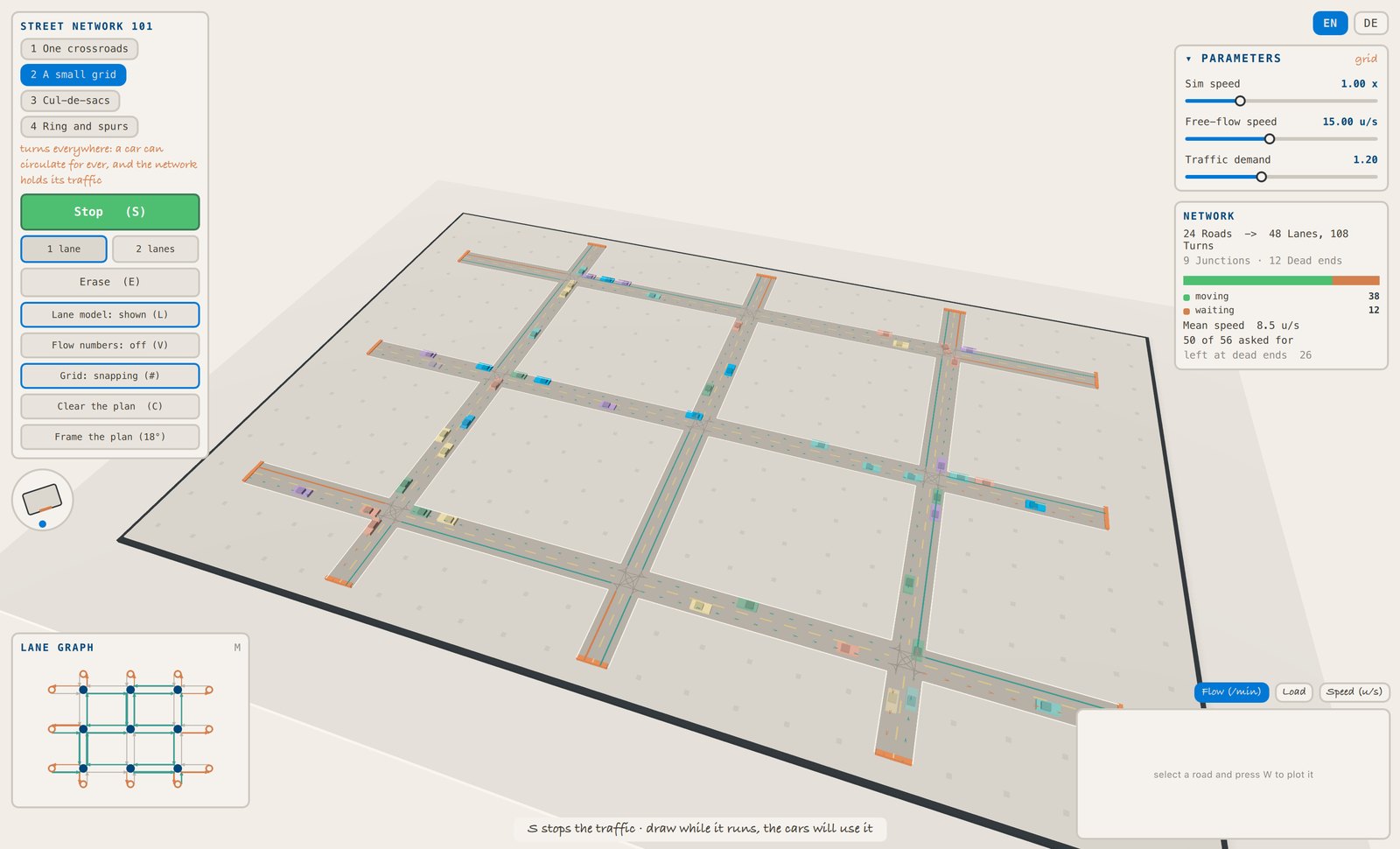
Street Network 101
why the shape of a city decides its traffic
The kits, and what they are honest about
Under every lab sits a kit: the domain model itself. A model is only worth something if you know where it stops, so each kit that models a domain publishes a Lab Card — what it models and with which method, which simplifications are deliberate and which way each one bends the result, where it stops being valid, what you can vary and measure through it, and, plainly, which questions it can and cannot answer. The character and professor kits carry presentation machinery rather than a domain model, so they have no card.
Circuit kit
a school kit that obeys Kirchhoff
Hydro kit
the water analogy, solved the same way
Sensor kit
localisation from anchors you can see
Traffic kit
draw a street network, watch what it does
That last part is the point of the card. A lab that cannot answer a question should say so rather than produce a confident number, and the card is what that judgement is made against.
How they are built
A lab is composed from tested blocks rather than written from scratch. The
Clayground.Lab plugin provides the experiment kernel — parameters, probes,
live plots, a seeded clock, scenarios, guided flows — plus the shared chrome
that makes every lab feel like the same product: one panel style, one key map
(press ? in any lab to see it), one paper-and-ink theme — in a light
and a dark palette you can swap while the experiment runs.
Underneath sits a kit per subject: the domain model, its visuals and its vocabulary, with the maths kept free of any UI so it can be unit-tested without an engine. The lab on top owns only the situation — which experiments exist, what the interface is, what the narration says.
Status
Clay Labs is young and openly in progress, but you do not need to install anything to try one: click a lab’s picture and it starts in your browser, full screen. It runs on the same Web Runtime that powers the Web Dojo — around 36 MB on the first visit, cached afterwards. A lab itself is tiny; the browser fetches only the few hundred kilobytes the lab you opened actually uses.
To edit one, run it from a Clayground checkout in the Dojo, with live reloading while you type:
cmake -B build && cmake --build build
./build/bin/claydojo --sbx labs/electronics-101/Sandbox.qml
If you want to look under the hood, the labs, their kits and their papers all live in the repository.